Is Heritage Ranch Practical if I Work from Home and Need Daily Video Calls?
November 4, 2026
November 4, 2026
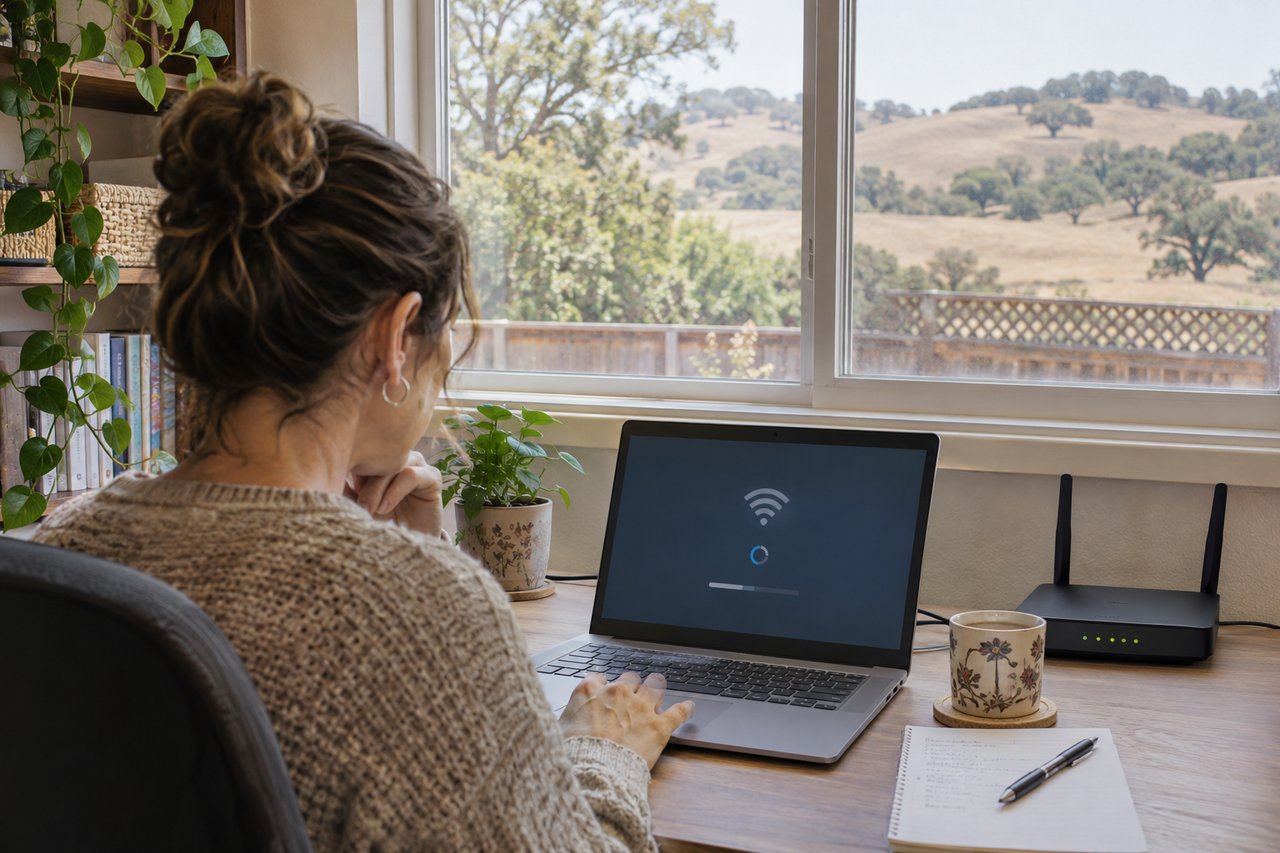
Heritage Ranch may be practical for your work-from-home routine, but the answer needs to come from the specific house. If daily video calls are part of your job, confirm available service, test the connection where you'll work and make a realistic backup plan before committing to the property.
I wouldn't call a home suitable for remote work just because a listing mentions high-speed internet. That phrase doesn't tell you whether your meetings will run reliably. It also doesn't tell you whether a new account can be installed when you need it.
I'm Amber Johnson, founder of Pillar Real Estate in Paso Robles. I help people relocating to Heritage Ranch and other SLO County communities connect their home search with daily life. When your home is also your workplace, the connection deserves the same early attention as the floor plan.
Write down what you need the house to support. Are you on one short call each morning or back-to-back meetings all afternoon? Do you share large files, present your screen or use a company VPN? Those details help you ask better questions than “Is the internet good?”
Include everyone who will use the connection at the same time. A household with two people in separate video meetings has a different routine from someone working alone. Streaming, uploads and other connected devices also belong in the discussion with your provider or technical support team.
Ask your employer's IT team what your work setup requires. Use the current guidance for your meeting platform and equipment rather than a speed recommendation from an old article. The requirements may depend on how you use the service, including the type of video call.
Also decide how much interruption your work can tolerate. If you can move a meeting occasionally, your choices may be different from a role with tightly timed client appointments. Be honest about that before you fall in love with a house.
Use the complete property address when checking availability. Don't assume an answer for Heritage Ranch as a whole applies to every home you consider. Ask the provider to confirm the actual location, available plan and steps needed to establish service for you.
The FCC's National Broadband Map can be a starting point. It shows availability information reported by providers. The FCC distinguishes that availability information from actual network performance. A listing on the map isn't a substitute for confirming service directly and evaluating how the connection works.
Ask whether the home currently has active service and whether the seller can identify the plan. Treat that information as useful background, not a promise about your future account. Your available equipment, installation arrangements and selected plan still need confirmation.
Keep a record of the provider's answer, including the date and any qualifications. If the answer is uncertain, ask what information is missing. “We probably serve that area” is a reason to keep checking, not a reason to mark the question resolved.
Find out whether you can order service and when installation could occur. Ask whether a technician visit or additional equipment is needed. If the provider has to inspect the site before confirming service, build that step into your investigation.
Don't assume the seller's router or other equipment stays with the house. Clarify what belongs to the seller, what belongs to a provider and what you would need to obtain. Ask the provider how a change of occupants affects the process.
If equipment needs to be placed outside or the installation involves changes to the property, ask what permissions or approvals are needed. Have the appropriate people confirm the requirements. You don't want your work plan to depend on an installation that hasn't been approved or scheduled.
Then compare the installation timing with your move. Having the keys and having a working connection are separate milestones. If you need to work immediately, decide how you'll handle the period between them instead of assuming both will happen together.
With the owner's permission and an agreed appointment, test from the room where you expect to work. A quick phone test near the entrance may tell you little about a laptop meeting from a back bedroom. Match the test to your intended setup as closely as practical.
Use a nonconfidential test call. Ask the person on the other end about sound, picture and interruptions. Try the functions you depend on, such as screen sharing, without exposing client files or company information during a property visit.
Record the time, location, device and connection method. A speed result has more meaning when you know the circumstances behind it. Keep notes about the call itself too. A successful speed test and a comfortable conversation aren't exactly the same observation.
One successful test is encouraging, but it can't guarantee future performance. If your work depends on daily calls, ask whether another test during relevant hours can be arranged. Don't describe a brief showing-day result as proof of uninterrupted service.
If a call performs poorly, ask a qualified technician or your IT team how to identify the source. The service coming to the home, the router, the device and the connection within the house are different parts of the setup. Don't decide the whole community is unsuitable from one unexplained test.
Discuss whether a wired connection is practical at your desk and how the wireless signal reaches the intended office. If additional cabling or equipment is proposed, ask about placement, cost and any property changes involved. Confirm the solution instead of buying equipment on a guess.
Ask about both uploading and downloading when discussing the plan. Video meetings involve sending information as well as receiving it. Let the provider and your IT team explain how the plan fits your actual meeting requirements without relying on an advertised headline alone.
For another location-specific example of the questions to ask, see my article on working from home in Creston. The evaluation process is useful, but an answer for one property doesn't establish service at a Heritage Ranch address.
A backup plan needs testing too. If you're considering a mobile hotspot, confirm the plan terms and test it inside the intended workspace. Don't treat a phone signal outside the home as proof that a laptop meeting will work from your desk.
Ask whether the backup can support your work equipment and whether your employer permits that connection. A backup that can't run the applications you need may not solve your problem. Check any data limits and equipment requirements before counting it as available.
Consider what you would do during a power interruption or a longer service problem. Discuss suitable equipment and limitations with the appropriate provider or technician. Avoid assuming that one device will keep the entire work setup running in every situation.
If your plan involves working somewhere else, verify that place independently. Check availability, privacy and the travel involved. I wouldn't promise that an unconfirmed nearby workspace will be open, have capacity or meet the requirements of your job when you need it.
Once the service questions are clearer, spend time in the proposed office. Can you close the door during calls? Is the room separated enough from household activity? Picture your real workday rather than judging the room only by a desk in the listing photos.
Think about light, background, outlets and where equipment would sit. If two people work at home, consider overlapping meetings and sound between rooms. A good internet test won't tell you whether the physical setup is comfortable for both of you.
Walk through the transition between working and living there. Where do you take breaks? Will you need to move work equipment every evening? The right room should support the routine you actually want, not add daily setup and cleanup you hadn't considered.
Keep the wider community decision in view. My guide to whether Heritage Ranch is the right community for you provides broader context. This article's question is narrower: can a particular home support the daily calls your job requires?
Ask for the recurring service price, installation charges, equipment costs and terms that apply to the plan you're considering. Include a backup connection if that's part of your decision. Avoid comparing homes using only the initial promotional price.
Keep unresolved service questions visible during your home search. Tell your agent early that daily video calls are a requirement. Discuss investigation timing and the purchase process with your broker, rather than waiting until you're close to moving to start checking.
If you'd prefer more time to experience the area, consider whether renting first fits your circumstances. My discussion of renting in Heritage Ranch before buying explains that separate housing decision. A rental still needs its own service check; it doesn't prove the connection at another house.
Build a short comparison for the homes you like: confirmed service, installation timing, test results, office layout and backup options. Mark unknowns as unknowns. That lets you compare useful evidence without turning a seller's reassuring comment into a guarantee.
I would look for a specific address with confirmed service, an installation plan that fits your move and a work setup you've tested appropriately. I would also want you to understand the limits of those checks and know what you'll do if the connection is interrupted.
If those pieces are still uncertain, keep investigating before relying on the home for daily calls. If they fit your requirements, you can consider the property with a clearer understanding of how work and home life would fit together.
At Pillar Real Estate, I help buyers and relocating households make these property-specific decisions across SLO County. From my Paso Robles base, the goal is the same: ask the practical questions early so your next home makes sense for your life.
Thinking about a move to Heritage Ranch? Visit Sell With Amber and let's talk about your current home, your next move and the work-from-home requirements you want to check.
Amber
Amber Johnson
Founder, Pillar Real Estate
805.835.3425
[email protected]
1345 Park St. Paso Robles, CA 93446
DRE# 01925434
Website: https://pillarrealestate.com/
Amber Johnson | November 4, 2026
Test service at a specific address against your workday needs before buying.

Amber Johnson | November 4, 2026
Amber Johnson | November 4, 2026
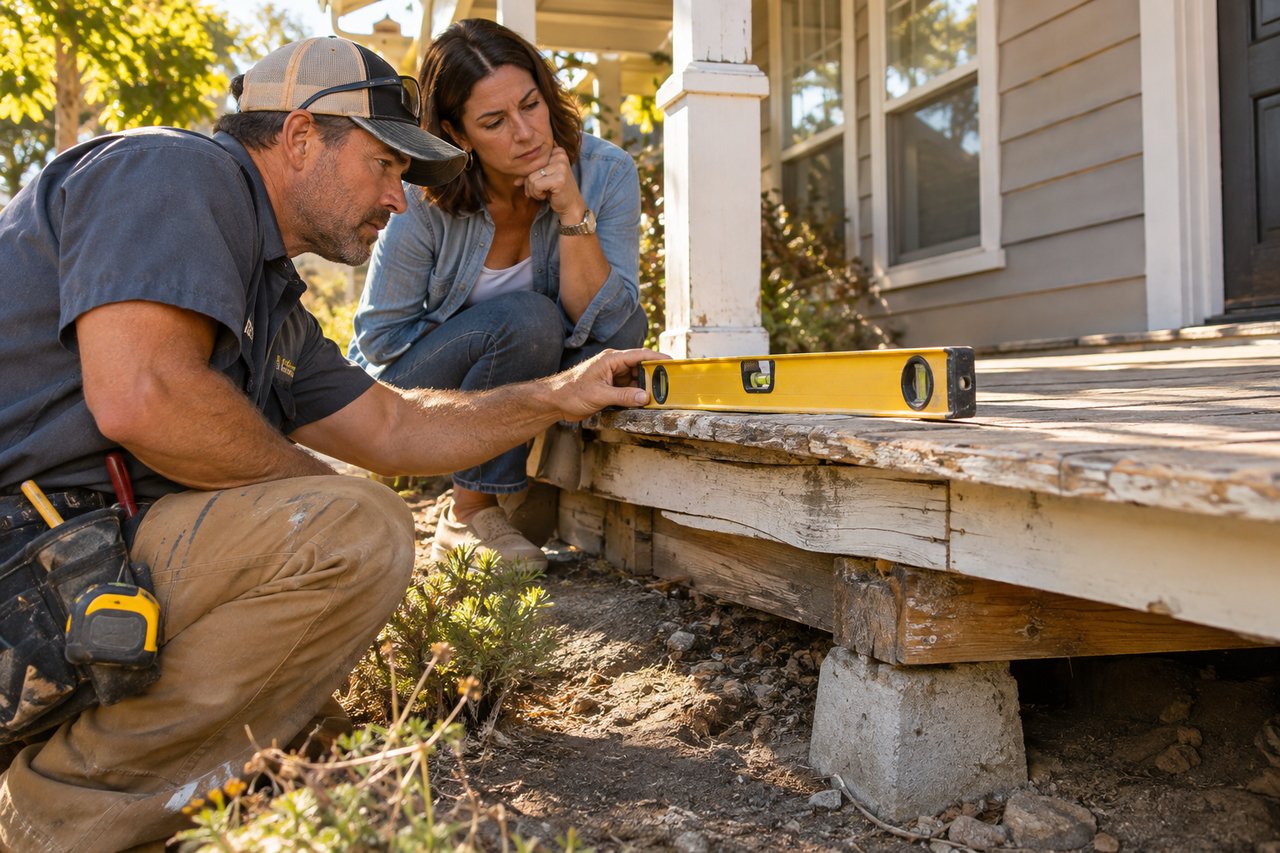
Assess the porch condition, safety and repair scope before choosing a listing plan.
Amber Johnson | November 4, 2026
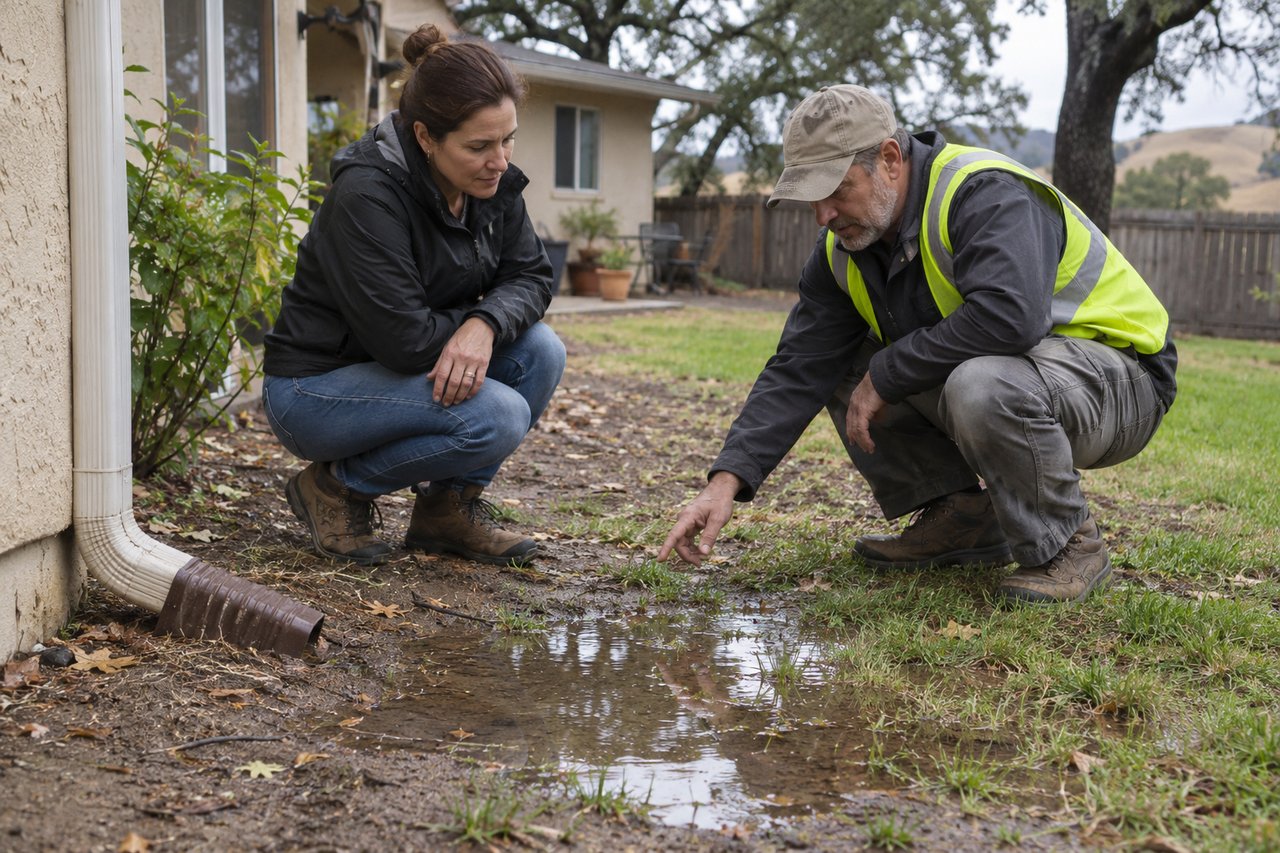
Identify the cause and compare repair options before buyers see the yard.

Amber Johnson | November 4, 2026
Understand what the gap may reflect, which price changes came first and why property type and timing still matter.
Amber Johnson | November 4, 2026
Compare the cost, timing and buyer impact of each option before choosing.
Amber Johnson | November 4, 2026
Review the well arrangement, records and equipment before committing to the property.

Amber Johnson | November 3, 2026
Think through market access, travel and how often the routine fits your week.
Amber Johnson | November 3, 2026
Compare the daily routes and home settings that matter to you in each area.
You’ve got questions and we can’t wait to answer them.

Amber Johnson, Founder
Pillar Real Estate
805.835.3425
DRE# 01925434
1345 Park Street
Paso Robles, CA 93446